
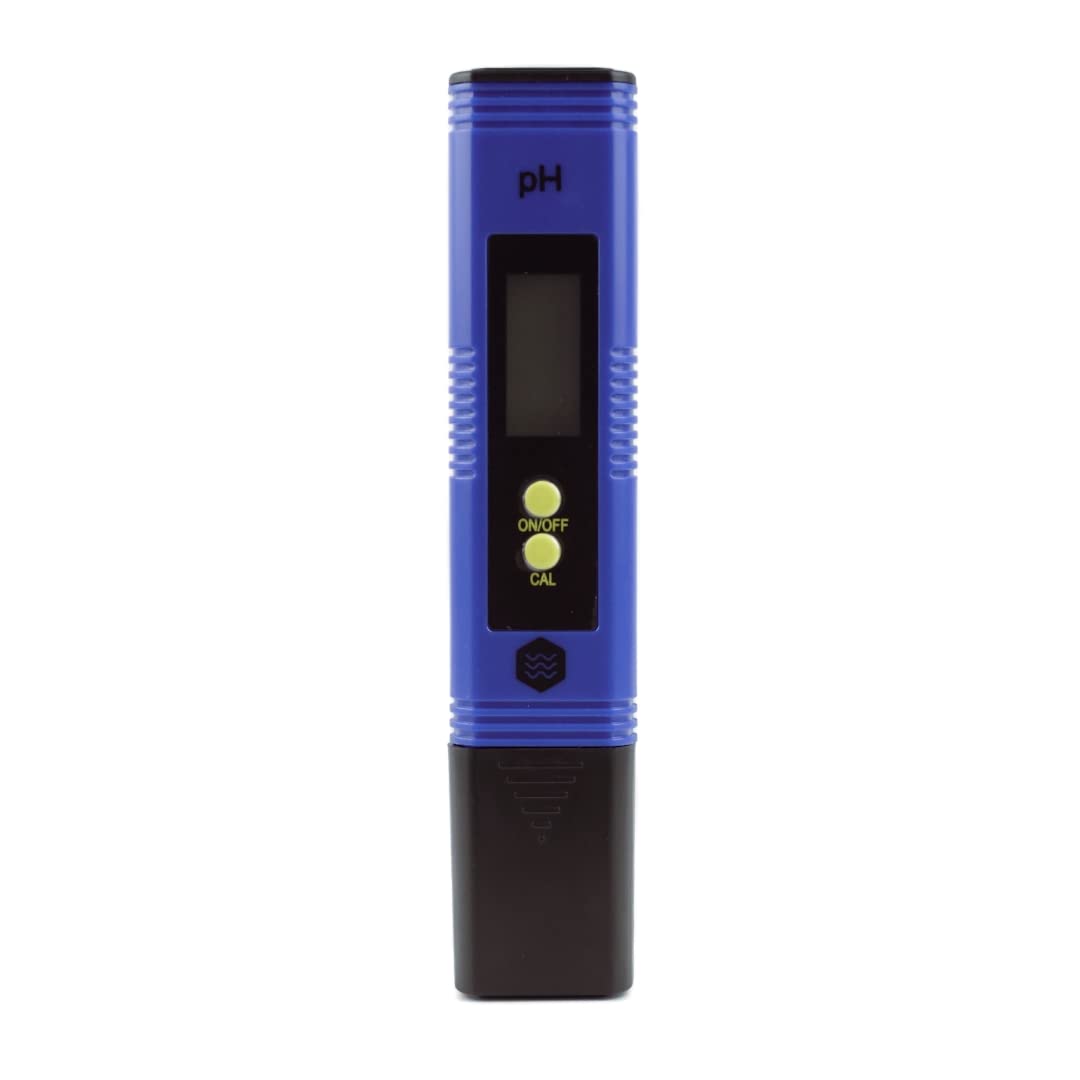
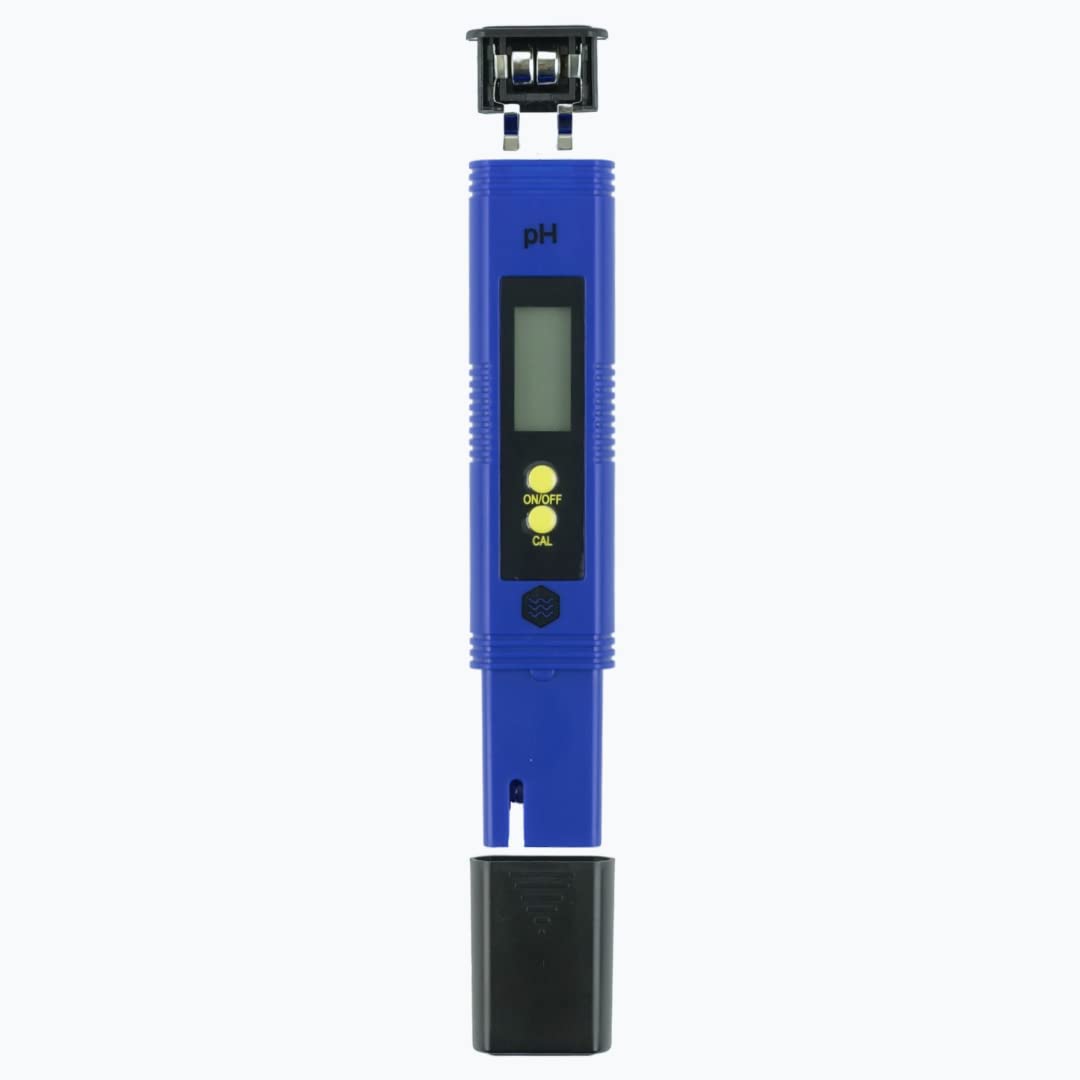
TWW Digital PH Meter

Operating Instructions
1. Remove the protective cap.
2. Rinse the electrode with distilled water.
3. Turn the meter on by pressing the ON/OFF key.
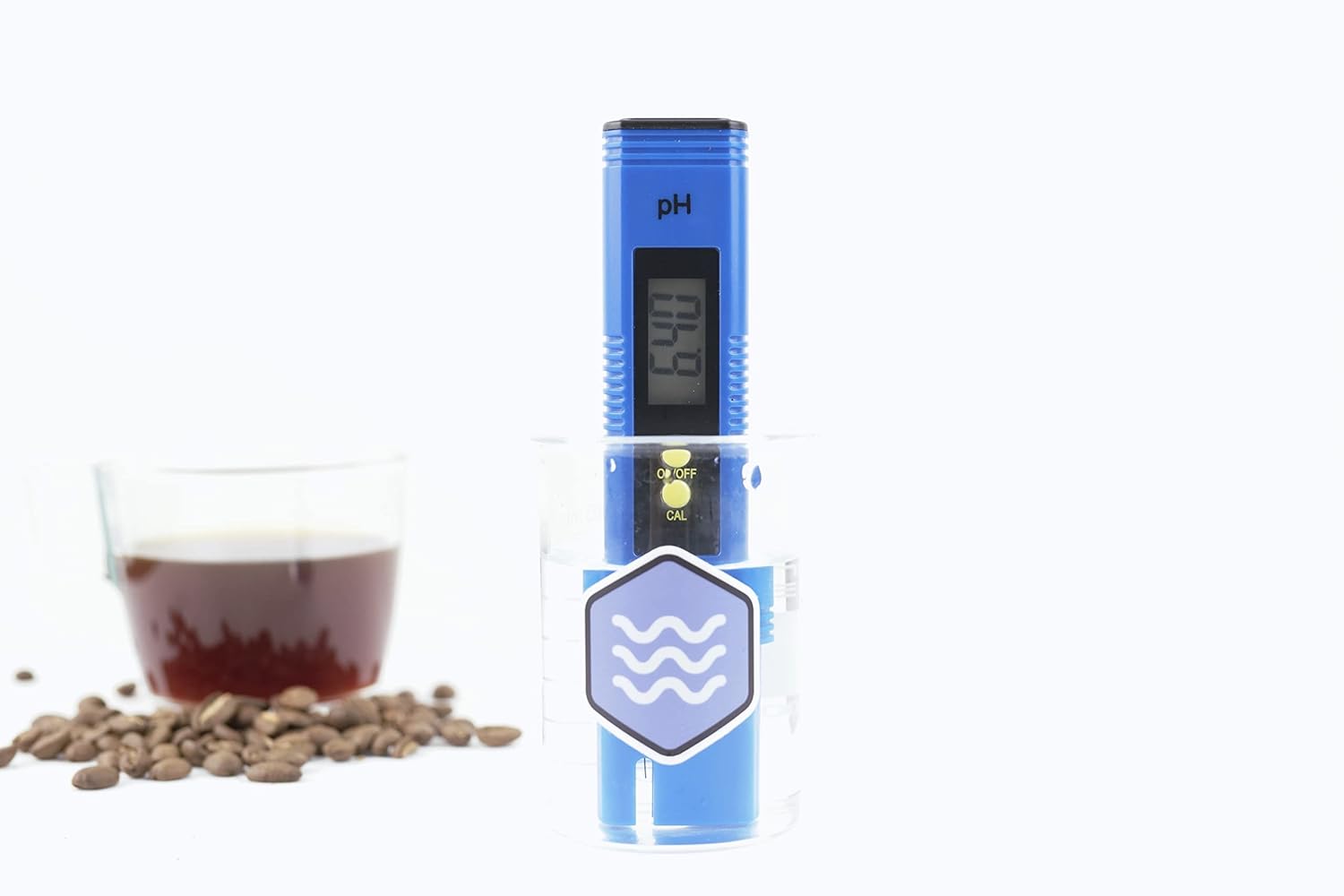
4. Dip the pH meter electrode into the test solution. (glass probe should be completely submerged)
5 Stir gently and wait approximately 30 seconds for reading to stabilize.
6 After use, rinse the prob tip with distilled water and replace the protective cap.

Calibration Instructions.
1. Dissolve each packet into 250ml (~8.453 oz) of distilled water. For the most accurate calibration, each calibration solution should be at 25C (77F).
2.Turn on pH meter.
3. Dip electrode into the pH 6.86 solution.
- Press and hold "CAL" (calibration) button for 5 seconds and release.
- The display will be flashing 6.86.
- When display stops flashing rinse with distilled water
4. Dip electrode into the pH 4.00 solution.
- Press and hold "CAL" (calibration) button for 5 seconds and release. Then immediately after releasing press the CAL button ONE more time.
- The display will be flashing 4.00.
- When display stops flashing rinse with distilled water
5. Dip electrode into the pH 9.18 solution.
- Press and hold "CAL" (calibration) button for 5 seconds and release. Then immediately after releasing press the CAL button TWO more times.
- The display will be flashing 9.18.
- When display stops flashing rinse with distilled water
Short content about your shipping rates or discounts.
Orders typically ship on the next business day!
If you are not satisfied with your product, we will make it right! Just send us an email at support@thirdwavewater.com
Why Third Wave Water?
Better Water, Better Coffee ®
We're committed to providing the best quality products and service to our customers.
Free Shipping
On all US Orders
Money Back Guarantee
60-day promise, no questions asked
Secure Checkout
100% protected payment
Worldwide Shipping
We ship to over 40 countries
FAQ
Check out the most common questions our customers asked. Still have questions? Contact our customer support.
How long will it take to get my orders?
It depends on where you are. Orders processed here typically take 5-7 business days to arrive. Overseas deliveries can take anywhere from 7-16 days.
Apparel products are printed to order and may have a slightly extended timeline.
Delivery details will be provided in your confirmation email.
Do you ship overseas?
Yes, we ship all over the world. Shipping costs will apply, and will be added at checkout. We run discounts and promotions all year, so stay tuned for exclusive deals.
Do you offer discounts?
If you sign up for our email newsletter, you'll get the latest updates on new products, upcoming events, and yes, sales!